
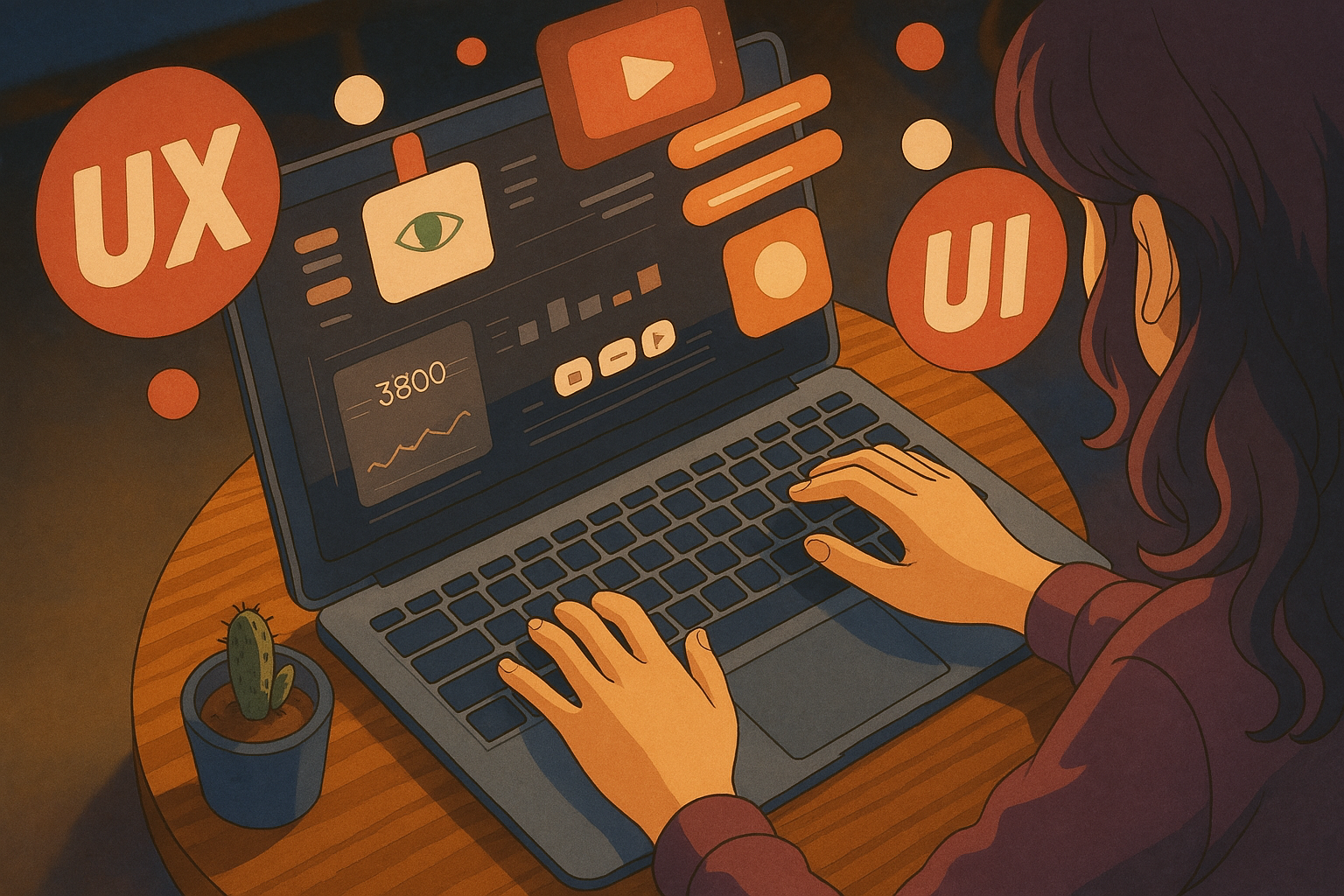
Think about the first time you watched a Studio Ghibli film. Whether it was the dreamlike wonder of Spirited Away, the quiet nostalgia of My Neighbor Totoro, or the adventure-packed Howl’s Moving Castle, Ghibli films have a way of immersing audiences in their world effortlessly. Every detail, from background animation to subtle character movements, is designed to guide your emotions and keep you engaged without feeling overwhelmed. This level of immersion is precisely what great UI/UX design strives to achieve.
This is the same principle that great UI/UX designers apply when creating seamless digital experiences. A well-designed app or website should guide users naturally, evoke emotion, and create an experience that feels intuitive and immersive. At Ariel Software Solutions, we believe that learning from Ghibli’s meticulous approach can help developers and designers craft interfaces that feel less like software and more like storytelling.
The Art of Intuitive Design: What Ghibli Teaches UI/UX Designers
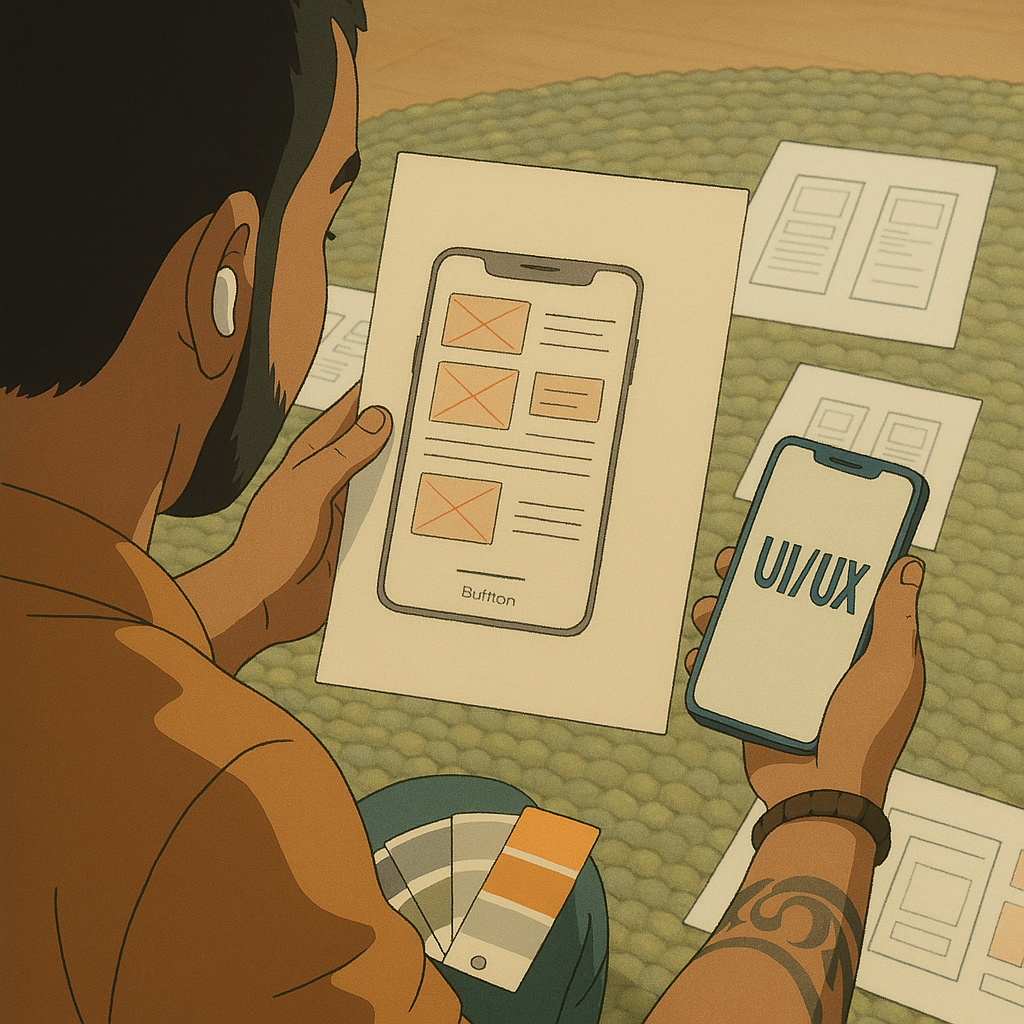
- Seamless Navigation Without Disruptions:
- Avoid cluttered interfaces with too many distractions.
- Maintain smooth transitions between pages using micro-interactions and animations.
- Keep navigation intuitive so users never feel “lost” within an app or website.
- Emotionally Engaging Experiences:
- Use color psychology to evoke the right emotions (e.g., calming blues for finance apps, energetic reds for sales dashboards).
- Include subtle animations that make interactions feel “alive.”
- Personalization: let users customize their experience (e.g., dark mode, font choices, layout preferences).
- Simplicity & Clarity:
- Avoid excessive design elements that clutter the interface.
- Use clear typography and easy-to-read layouts.
- Ensure that calls to action (CTAs) stand out clearly.
Animation & Motion Graphics: The Heartbeat of UI/UX Design
Studio Ghibli design is brought to life through breathtaking animation; even the wind blowing through the trees has personality. Motion in digital design can have the same effect, turning a static interface into something that feels dynamic and responsive. This is where Ghibli aesthetics truly shine. Best Practices for Animation in UI/UX Design:- Guide Attention: Use animation to subtly direct users toward key elements (e.g., shaking an input field when a password is incorrect).
- Provide Feedback: Animated responses to user actions, such as a bouncing button, confirm that an action has been completed.
- Enhance Storytelling: Use visual storytelling elements to make onboarding experiences or walkthroughs more engaging.
Case Study: How Ariel Software Solutions Incorporates Ghibli-Inspired UI/UX Design
At Ariel Software Solutions, we apply many of these design principles across various projects. Case Study 1:- Enhancing an E-Commerce User Experience Problem:
- Improving a SaaS Dashboard for Better Usability Problem:
The Ethical Side: Giving Credit Where It’s Due
While AI and automation make it easier to generate visuals and animations, we must never forget the original creators who laid the foundation for modern digital experiences. Studio Ghibli design represents decades of hand-drawn artistry and creative vision, and as we implement these principles in UI/UX design, we must acknowledge the inspiration behind them.Conclusion: Bringing the Ghibli Aesthetics to UI/UX Design

Studio Ghibli design’s ability to blend aesthetics, storytelling, and seamless transitions makes it an ideal reference for UI/UX design. By integrating emotionally engaging design, intuitive navigation, and thoughtful motion graphics, we can craft experiences that feel as magical as a Ghibli film.
At Ariel Software Solutions, we strive to bring this level of artistry and user-centric design into every project we undertake. If you’re looking to elevate your software’s user experience to a Studio Ghibli design level of brilliance, let’s talk!
Frequently Asked Questions (FAQs)
1. How does Studio Ghibli’s animation style relate to UI/UX design?
Studio Ghibli’s animation focuses on fluid transitions, immersive storytelling, and emotionally engaging visuals. Similarly, great UI/UX design ensures smooth navigation, intuitive interactions, and a user experience that feels natural and engaging.
2. What are some key UI/UX lessons from Studio Ghibli design?
Some key takeaways include:
- Seamless navigation to avoid user confusion.
- Emotionally engaging interactions using colors, animations, and personalization.
- Simplicity in design while maintaining depth and detail.
- Motion graphics and animations that guide user attention and enhance storytelling.
3. How can I apply Ghibli-inspired principles to my website or app?
You can implement these principles by:
- Using fluid transitions instead of abrupt page changes.
- Creating an intuitive user journey with clear calls to action.
- Adding subtle animations to provide feedback and enhance usability.
- Designing with emotion in mind, ensuring the interface feels welcoming and engaging.
4. Why is animation important in UI/UX design?
Animations make digital interactions feel more natural by providing visual feedback, guiding user focus, and improving usability. Just as Ghibli movies use motion to bring worlds to life, UI/UX design can use animations to create a seamless and enjoyable experience.
5. What role does storytelling play in UI/UX design?
Storytelling in UI/UX design helps guide users through an experience, making interactions feel purposeful rather than mechanical. Studio Ghibli’s ability to tell compelling stories with visuals can inspire designers to craft interfaces that feel personal, immersive, and engaging.
6. How does Ariel Software Solutions incorporate these UI/UX principles?
At Ariel Software Solutions, we integrate intuitive navigation, motion design, and emotionally engaging interfaces into our projects. Whether designing SaaS dashboards, e-commerce platforms, or mobile applications, we apply Ghibli-inspired design principles to enhance usability and engagement.